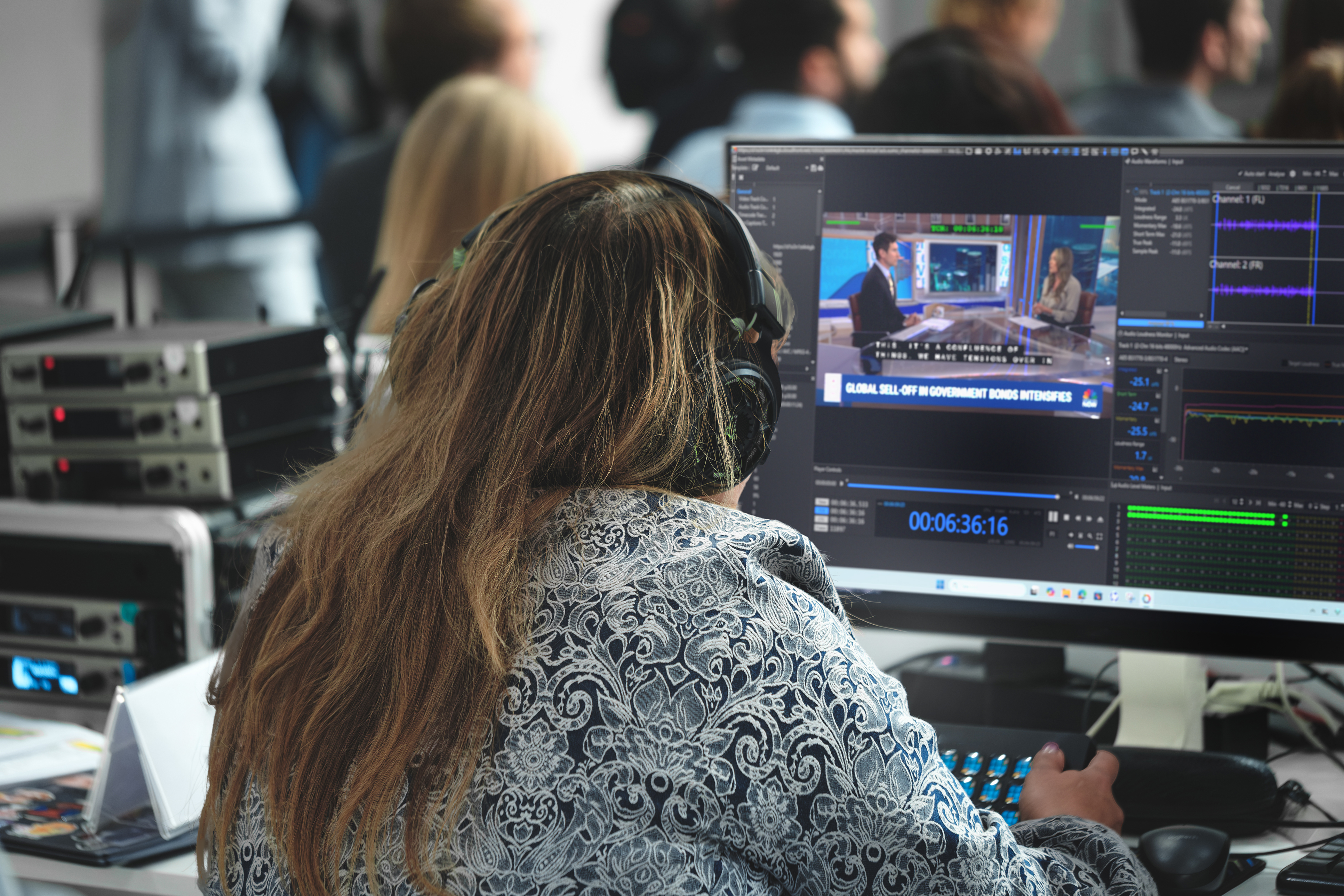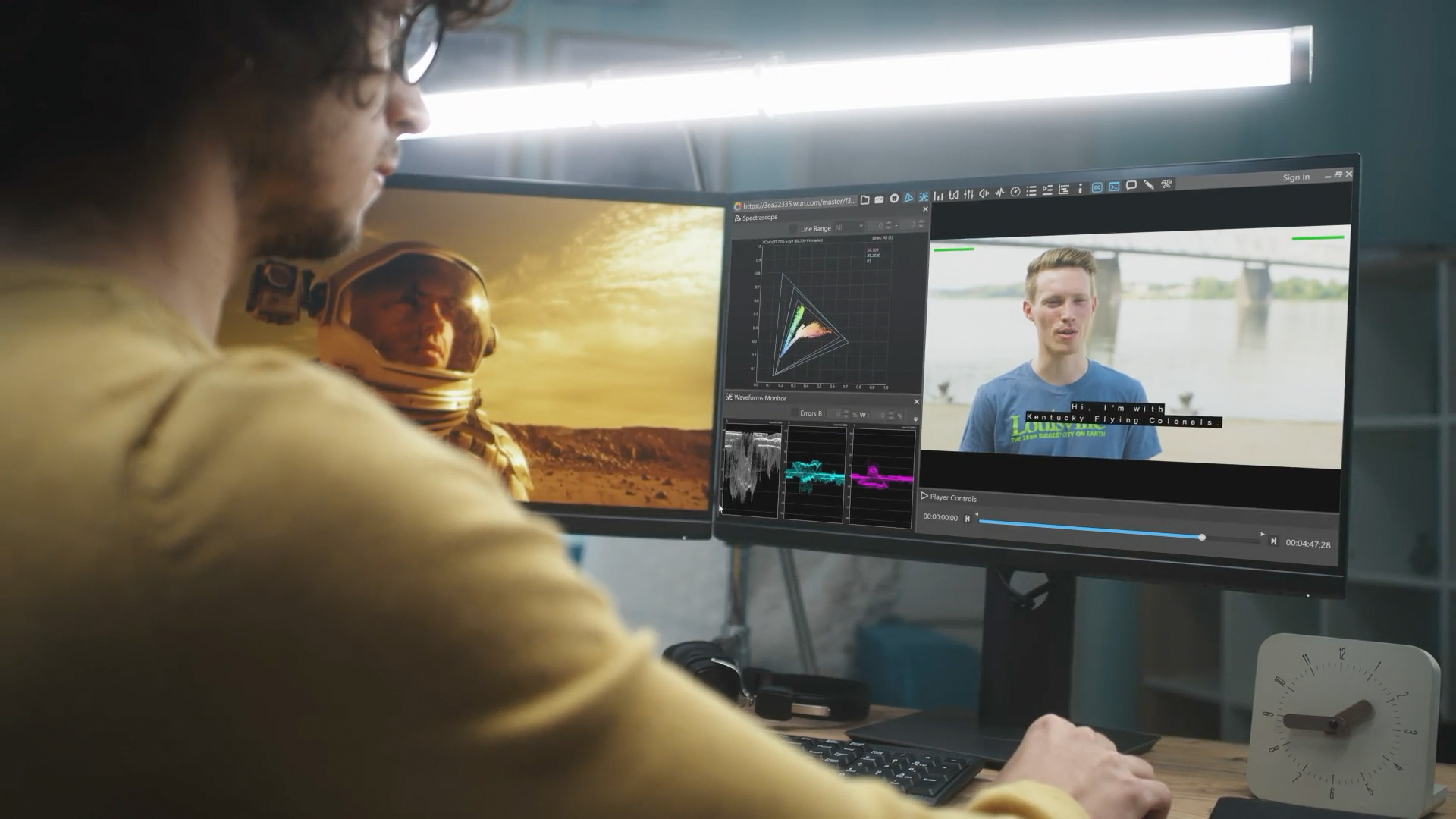

Every video that airs on television or streams to your screen goes through a checkpoint called Quality Control, or QC for short. QC is the process of checking a video file to make sure it looks right, sounds right, and follows the technical rules that broadcasters and streaming platforms require. If a file has a problem, QC is supposed to catch it before viewers ever see it.
To handle the huge amount of video moving through modern broadcast and streaming, companies use automated QC tools. Popular ones include Interra Baton, Venera, Telestream (Aurora), and others. These tools scan video files automatically and flag possible problems. They are fast, they never get tired, and they can check thousands of files. But here is the important part: they still miss things. And sometimes they flag things that are not actually problems at all.
Let’s look at why that happens, and why the smartest QC setups keep a human involved.
What Automated QC Tools Do Well
Automated tools are excellent at checking things that follow clear, measurable rules.
For example:
- File format checks. Is the video the right resolution, frame rate, and file type?
- Loudness levels. Is the audio too loud or too quiet compared to the required standard?
- Black frames or freezes. Did the picture go black or get stuck for too long?
- Missing audio. Is a sound channel silent when it should have sound?
These are problems a computer can measure with numbers. If the rule says “audio loudness must fall within a certain range,” the tool can check that range perfectly every time. This is where automation shines.
Why They Miss Critical Issues
The trouble starts when a problem cannot be reduced to a simple number or rule. Here are the main reasons automated QC tools miss important issues.
1. Some problems need human judgment
A computer can tell you the picture went black. It cannot always tell you whether that black frame was a mistake or an intentional creative choice, like a dramatic pause in a movie. Context matters, and machines struggle with context.
The same goes for things like:
• Whether a subtitle actually matches what a person is saying.
• Whether the wrong version of a scene was included.
• Whether a logo or graphic is placed correctly.
These require someone who understands the meaning of the content, not just its measurements.
2. False positives and false negatives
Automated tools make two kinds of mistakes.
A false positive is when the tool flags something as a problem when it is actually fine. For example, it might mark a stylish, intentionally grainy scene as “video noise error.”
A false negative is more dangerous. This is when the tool misses a real problem completely. For example, it might pass a file that has lip-sync issues (where the audio and the mouth movements do not line up) because the mismatch was small enough to slip past the tool’s settings.
Both mistakes cost time and trust. False positives waste hours as people chase problems that are not real. False negatives let real errors reach the audience.
3. Rules are only as good as how they are set up
Automated tools follow templates, which are sets of rules an operator configures for each job. If the template is set up wrong, or does not match the specific requirements of a broadcaster, the tool will happily approve a file that should have failed. The machine is not “wrong” in its own eyes. It is simply doing exactly what it was told, even if what it was told was incomplete.
4. Creative and subjective quality
Some of the most important qualities in video are subjective. Does the color look natural? Is the scene too dark to see clearly? Does the edit feel smooth? These are judgments about how content feels to a human viewer. A tool measuring pixels and data does not experience the video the way an audience does.
5. New or unusual problems
Automated tools are built to catch known types of errors. When a brand-new or unusual issue appears, one the tool was never programmed to look for, it can pass right through undetected. Machines catch what they are designed to catch and little else.
The Honest Conclusion:
You Still Need a Human in the Loop
Here is the reasonable takeaway from all of this. Automated QC is powerful, but it is not complete. Whether a tool reports an error that is real or an error that is false, someone still has to look at the results and decide what they actually mean.
This idea is called human-in-the-loop. It means keeping a trained person involved in the process, working alongside the automation rather than being replaced by it. The machine does the fast, repetitive scanning. The human applies judgment, context, and experience to the results.
Think of it like a smoke detector in your home. The detector is great at sounding an alarm, but it cannot tell the difference between a real fire and burnt toast. A person still has to walk in, look, and decide what to do. Automated QC is the smoke detector.
The human is the one who checks whether there is really a fire.
Every flag an automated tool raises, and every file it approves, benefits from human review. This is not a weakness of automation. It is simply the honest limit of what machines can do on their own.
Where Iris QC and Iris Anywhere QC Fit In
This is exactly where a human-in-the-loop approach becomes a real strength rather than an afterthought. Iris QC and Iris Anywhere QC are built around the idea that automated results still need human eyes.
Instead of treating automation and human review as separate steps, they are designed to bring them together. The automated checks do the heavy lifting by scanning files and flagging possible issues. Then reviewers can quickly examine those flags, confirm which ones are real, dismiss the false ones, and catch the subjective or context-based problems that machines cannot judge on their own.
The Iris Anywhere QC approach adds the ability to do this review from almost anywhere, which matters because broadcast teams today are often spread across different locations. A reviewer does not need to be sitting in one specific room to check content. This makes human review faster and easier to fit into a busy workflow, which means fewer errors slip through simply because review was too slow or too hard to do.
The core strength is simple to state. Automation alone will always miss some things and misjudge others. By making human review a smooth, central, and accessible part of the process, Iris QC and Iris Anywhere QC turn the one true weakness of automated QC into a manageable, dependable step. The result is a QC process that is both fast and trustworthy, because it uses machines for what machines do best and people for what people do best.
The Bottom Line
Automated QC tools like Interra Baton, Venera, and Telestream Aurora are fast and useful, but they miss critical issues because real broadcast quality often depends on context, judgment, and meaning that machines cannot measure. They produce false positives and false negatives, they only follow the rules they are given, and they cannot judge creative quality. For all these reasons, human review is not optional. Every result, whether flagged as an error or passed as clean, still needs a person to confirm it. That is the whole point of a human-in-the-loop process, and it is the central strength that Iris QC and Iris Anywhere QC are built to deliver.