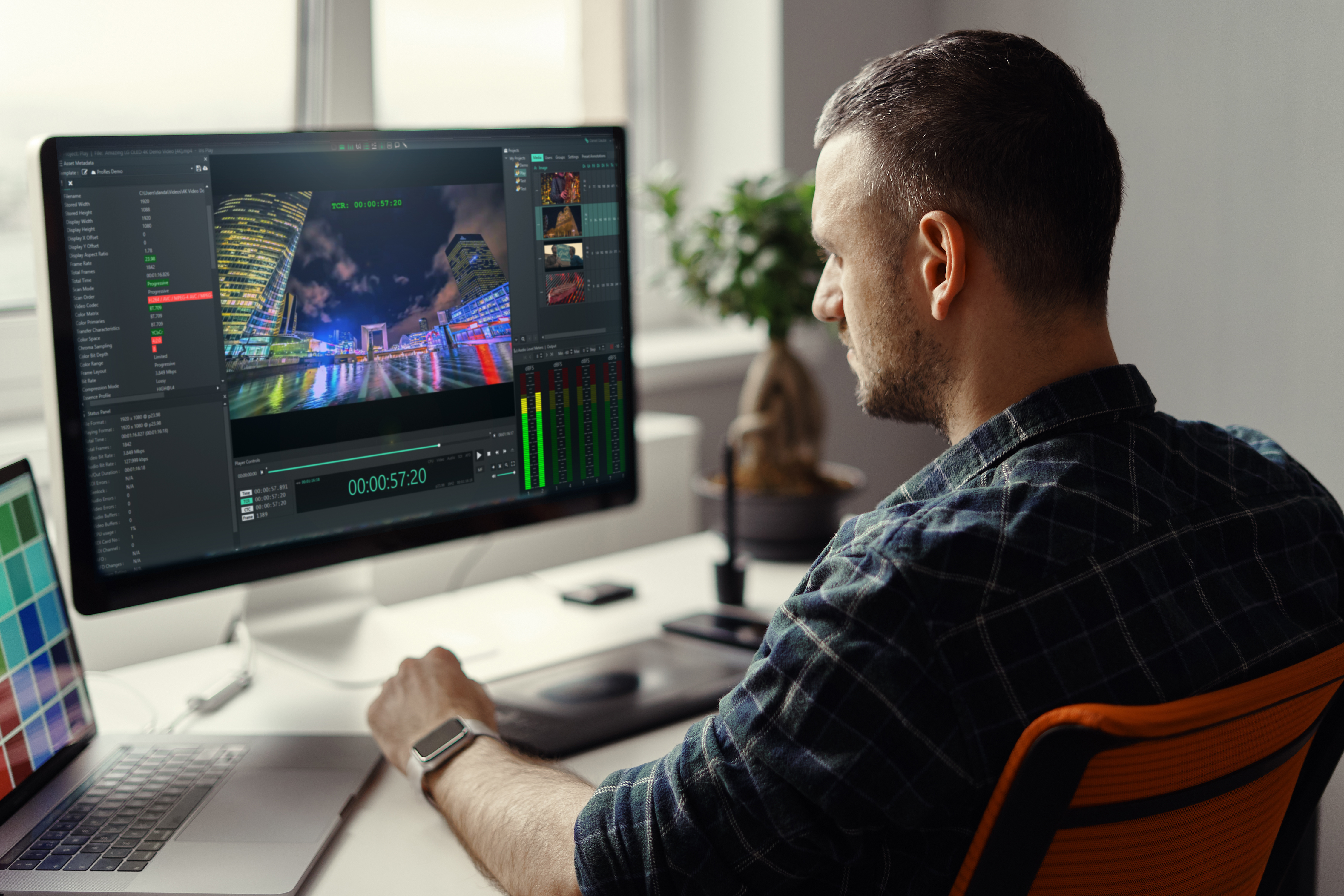

Media stored in Amazon S3 should not require a download (egress) to local storage and an on-premises workstation for every Quality Control review.
Your processing location, storage permissions, and review tools determine how files move through validation before delivery.
This comparison covers four products with documented cloud deployment and S3 access also distinguishing operator-led review from automated file analysis.
Use it to identify where each product belongs in your Cloud-Based Workflows and which implementation details need validation before deployment.
Quick guide:
Four tools for cloud-based video Quality Control
- GrayMeta Iris Anywhere QC:
GrayMeta provides browser-based full QC review through Iris Anywhere QC.
Browser-based, operator-led review and technical validation deployed in your AWS VPC, with the full Iris QC engine, full scopes, measurements, Project APIs, floating licenses, metadata templates and automated QC report import. - Interra Systems BATON:
Automated file analysis with cloud deployment, direct S3 connectivity, and review of flagged results. - Telestream Cloud Qualify:
Cloud-native file testing organized around configurable templates, projects, and processing regions. - Venera Quasar:
Automated audio/video analysis with AWS S3 support and SaaS or private-VPC deployment.
How were these cloud Quality Control tools selected?
These four products have documented deployment and storage capabilities relevant to reviewing or analyzing cloud-stored media. This is a documentation-based comparison, not a hands-on performance benchmark. Inclusion does not imply identical automation, file handling, or certification coverage.
- Processing location:
Cloud execution keeps Quality Control within a cloud-hosted workflow rather than requiring a local workstation for the processing step. - Storage connectivity:
S3 access allows your workflow to use media already held in object storage, subject to permissions and configuration. - Review method:
Separating operator-led review from automated analysis helps you assign technical checks and human approval to the appropriate tools. - File movement:
Understanding temporary copies, processing regions, and review streams helps you evaluate transfer costs and security requirements. - Delivery specifications:
Configurable checks and templates let you assess content against the requirements of each destination. - Workflow integration:
Reports, annotations, and programmatic connections help you carry findings into correction and approval processes.
Four products with documented cloud workflow support
1. GrayMeta Iris Anywhere QC: Browser-based review in your AWS VPC
GrayMeta’s Iris Anywhere QC enables your team to review and validate media through a browser while the application runs in your cloud environment. Its AWS VPC deployment supports workflows built around cloud-stored assets, including S3-backed media workflows.
Iris Anywhere QC provides frame-accurate playback, video scopes, audio monitoring, and caption review. Your operators can inspect media and document findings without downloading master files to each reviewer’s desktop.
GrayMeta Iris Anywhere QC also validates asset metadata against configurable templates and imports automated Quality Control reports. That combination supports human verification alongside automated findings. It should not be described as interchangeable with a full automated file-analysis engine.
Note: Iris Anywhere QC can also be deployed on-premises, but this article addresses its AWS deployment.
Iris Anywhere QC features
• Browser-based access: Reviewers use a centralized application without installing the desktop product locally.
• Frame-accurate playback: Operators can inspect specific frames and document issues at the relevant timecode.
• Video and audio instruments: Waveform, vectorscope, spectrascope, audio routing, mixing, and per track loudness measurement to support full technical review.
• Metadata templates: Configurable checks compare asset metadata with your delivery specifications.
• Advanced Caption Management: Caption viewers and sidecar-file support help reviewers inspect text, timing, and associated media.
• Report and annotation workflows: Automated-report import, annotation and segment data to track temporal metadata, customized QC reporting and project-based APIs for integration with your media workflow.
Iris Anywhere QC deployment considerations
Your AWS deployment needs access to the relevant media storage and an instance configuration suited to your formats and workloads. EC2 instances are determined by the codecs and file types in your workflow, auto load-balancing (ALB) and scaling options can reduce costs and make for the most efficient operation.
2. Interra Systems BATON: Automated analysis with S3 connectivity
Interra Systems BATON supports automated file-based Quality Control across video, audio, captions, and metadata. Its documentation identifies deployment options across public clouds, including AWS, alongside direct S3 connectivity.
This supports processing cloud-stored assets within a cloud-hosted workflow.
BATON uses configurable test plans and generates reports for downstream handling. Its documented workflow also includes manual review through BATON Media Player, so it should not be characterized as lacking a review player. The distinction is between the automated analysis stage and the operator review of its results, rather than automation replacing every review decision.
Documented capabilities:
• Cloud, on-premises, and hybrid deployment options.
• Direct S3 and other object-storage connections.
• Automated checks with configurable test plans and report export.
Deployment consideration:
Cloud processing and S3 connectivity are separate configuration elements. Storage access and the processing environment must be configured for the intended workflow.
3. Telestream Cloud Qualify: File testing with selectable processing regions
Telestream Cloud Qualify is a cloud-native file-based Quality Control service with Amazon S3 support. Projects specify the processing provider and region, while templates define the tests applied to a job. This is the cloud service, not a desktop product or an assumed on-premises Vantage component. Its developer documentation explicitly describes localizing source files to the processing instance. It also recommends matching the project’s provider and region to the input storage to avoid unnecessary egress charges. Cloud execution therefore does not mean the source is never copied or downloaded within the processing environment.
Documented capabilities:
- Template-driven file testing.
- Project-level processing provider and region settings.
- Programmatic job submission and access to results
Deployment consideration:
File references and packaged media require access to all associated source material, not just the initial reference file.
4. Venera Quasar: Automated file analysis from cloud storage
Venera Quasar supports automated audio/video Quality Control for content stored in Amazon S3. Deployment options include a managed SaaS service and a private edition within a customer VPC. Its documented checks cover broadcast files, streaming packages, and IMF/DCP content.
Quasar includes scaling for variable workloads and review of findings through QCtudio. Its security documentation describes temporary downloads to processing virtual machines, encryption of that temporary content, and deletion after processing. This distinction matters: support for cloud-stored files does not mean that every analysis operation reads the original object without creating a processing copy.
Documented capabilities:
- AWS S3 input support.
- Managed SaaS and private-VPC deployment options.
- Automated analysis with interactive result review through QCtudio.
Deployment consideration:
The deployment model determines infrastructure responsibilities. The processing region and temporary-content handling remain part of the workflow design.
Comparison: Deployment, S3 support, and review approach
The four products support cloud-hosted workflows, but their processing and review methods differ.
S3 support is an inclusion requirement here, not proof that their architectures or capabilities are equivalent.
| Product | CLOUD DEPLOYMENT | S3 WORKFLOW | REVIEW APPROACH |
| GRAYMETA IRIS ANYWHERE QC | Customer AWS VPC | Live review, validation and measurement of cloud-stored media | Operator-led playback and technical validation, metadata checks, automated-report import |
| INTERRA SYSTEMS BATON | Public-cloud deployment, including AWS | Direct S3 connectivity | Automated analysis with operator review of findings |
| TELESTREAM CLOUD QUALIFY | Cloud service with project-defined provider and region | S3 input with localization to the processing instance | S3 input with localization to the processing instance Template-driven automated file testing |
| VENERA QUASAR | Managed SaaS or private VPC | S3 input with temporary processing copies documented | Automated analysis with QCtudio result review |
How should you evaluate S3 access and file movement?
Evaluate the full path from your S3 bucket to the processing environment and then to the reviewer. A browser interface does not establish where analysis runs, and an S3 connection does not establish that no temporary copy is made.
Before deployment, confirm the storage permissions, compute region, temporary-storage behavior, and review-stream path. Include associated audio, subtitle, and package files in that assessment.
For Iris Anywhere QC, while you eliminate egress charges ensure that your pricing with AWS is reviewed. Be sure to utilize the scaling options as well as making the best choice in EC2 instances that match your workload in deploying Iris QC Anywhere.
How do IMF, HDR and Dolby Vision change the evaluation?
Your acceptance test should use representative deliverables, including associated audio and subtitle assets. Confirm the precise checks you need for each delivery destination instead of treating support for a wrapper or codec as evidence that every package-level requirement is covered.
For Iris Anywhere QC, you can quickly assess frame-accurate review, composition playlist support (CPL), metadata and XML validation all to global standards.
Where Iris Anywhere QC fits in your media supply chain
GrayMeta Iris Anywhere QC brings browser-based human review to your cloud-based workflows. From a centralized application, operators can inspect media, validate technical metadata, review captions, and annotate findings.
Its customizable QC report lets your team validate auto-QC findings and add an operator-led review to create a complete asset report.
to discuss an Iris Anywhere QC deployment for your S3-backed media workflow.